Plugins
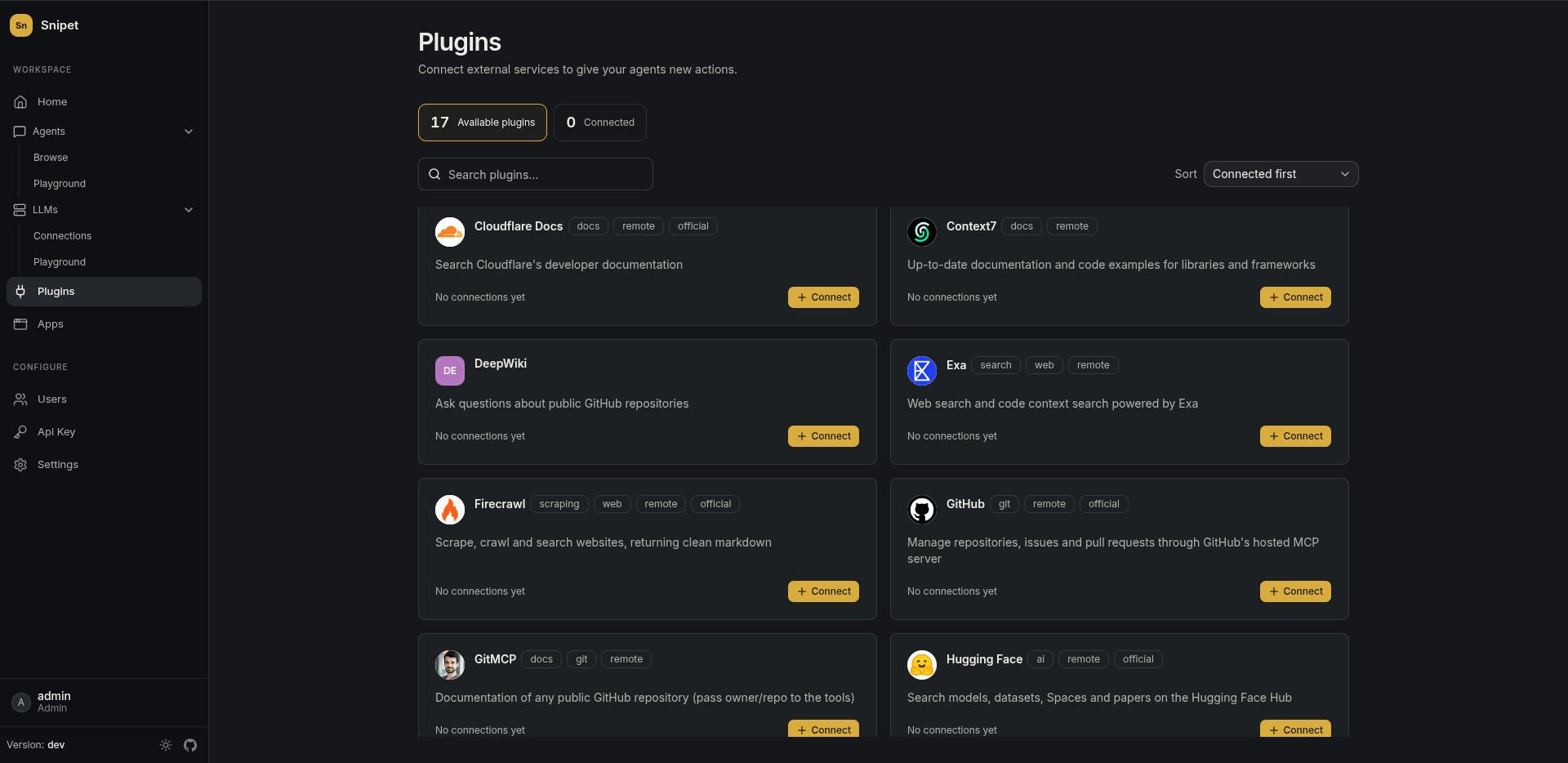
A plugin is an integration with an external service, like GitHub, Linear or Stripe. Each one brings actions an agent can call: search issues, create a customer, read the docs.
Catalog and connections
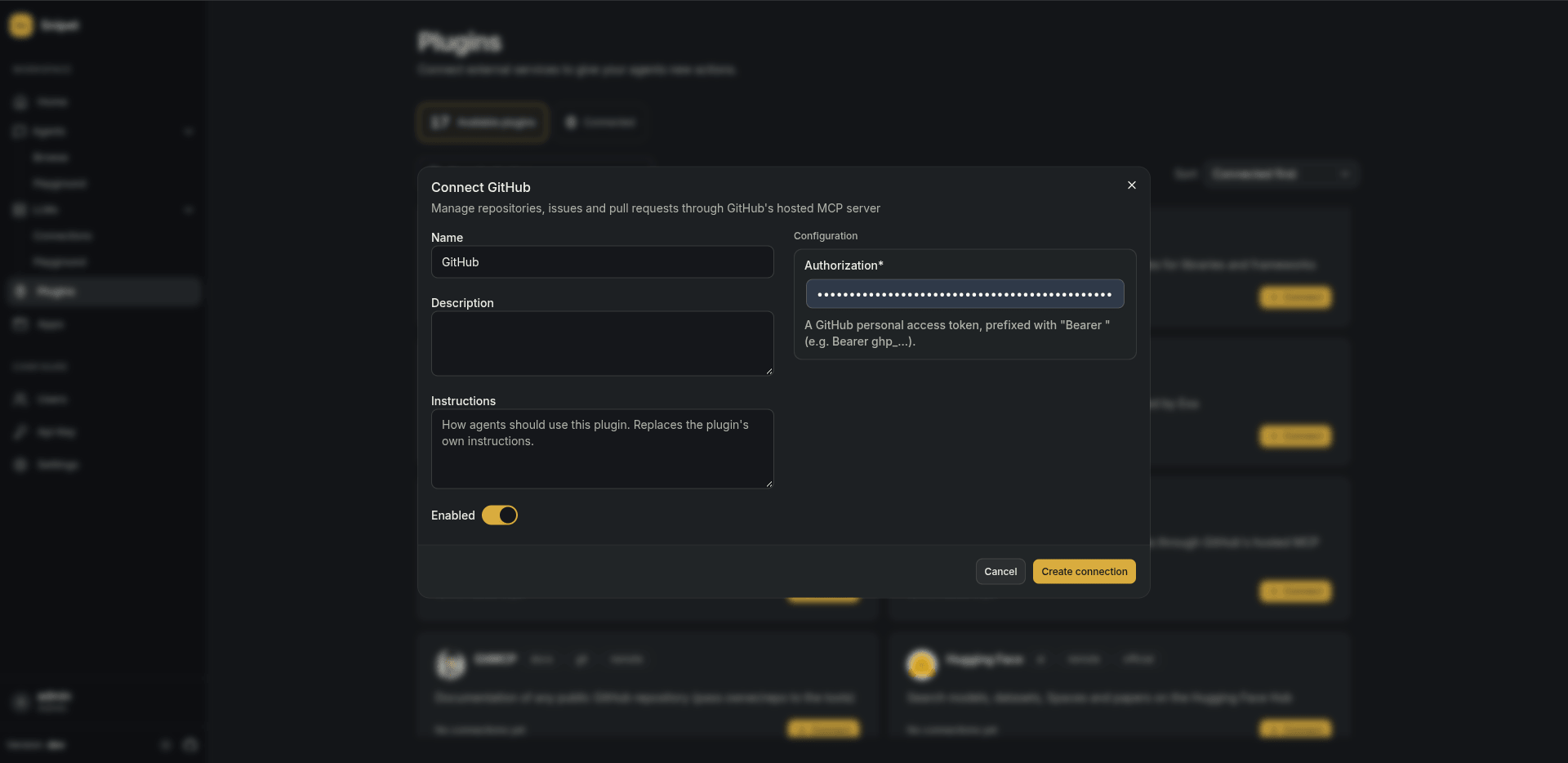
Section titled “Catalog and connections”Plugins lists the catalog. To use a plugin, add a connection to it: a named instance with its own credentials. Two GitHub connections with different tokens are two connections of the same plugin.
When you save a connection, Snipet fetches the plugin’s actions and keeps them in sync. Credentials are stored encrypted.
Instructions
Section titled “Instructions”Many plugins come with instructions that tell the model how to use their actions well. Snipet adds them to the prompt of every agent allowed to use the connection. Write your own instructions on the connection to replace them, for example to point the agent at the repositories that matter.
Any MCP server
Section titled “Any MCP server”The MCP plugin connects to any server that speaks the Model Context Protocol by URL. Its tools become actions like any other plugin’s.
Your own plugins
Section titled “Your own plugins”Plugins are JSON manifests. Put your own in the folder set by PLUGINS_DIR and they show up in the catalog. With the Docker setup, that’s the ./plugins folder next to docker-compose.yml.
Related
Section titled “Related”- Agents choose which connections and actions they may use.