Your first agent
In a few minutes you’ll have an agent that can read your GitHub repositories. You need Snipet running and an API key from any supported model provider, or a local model in Ollama or LM Studio.
-
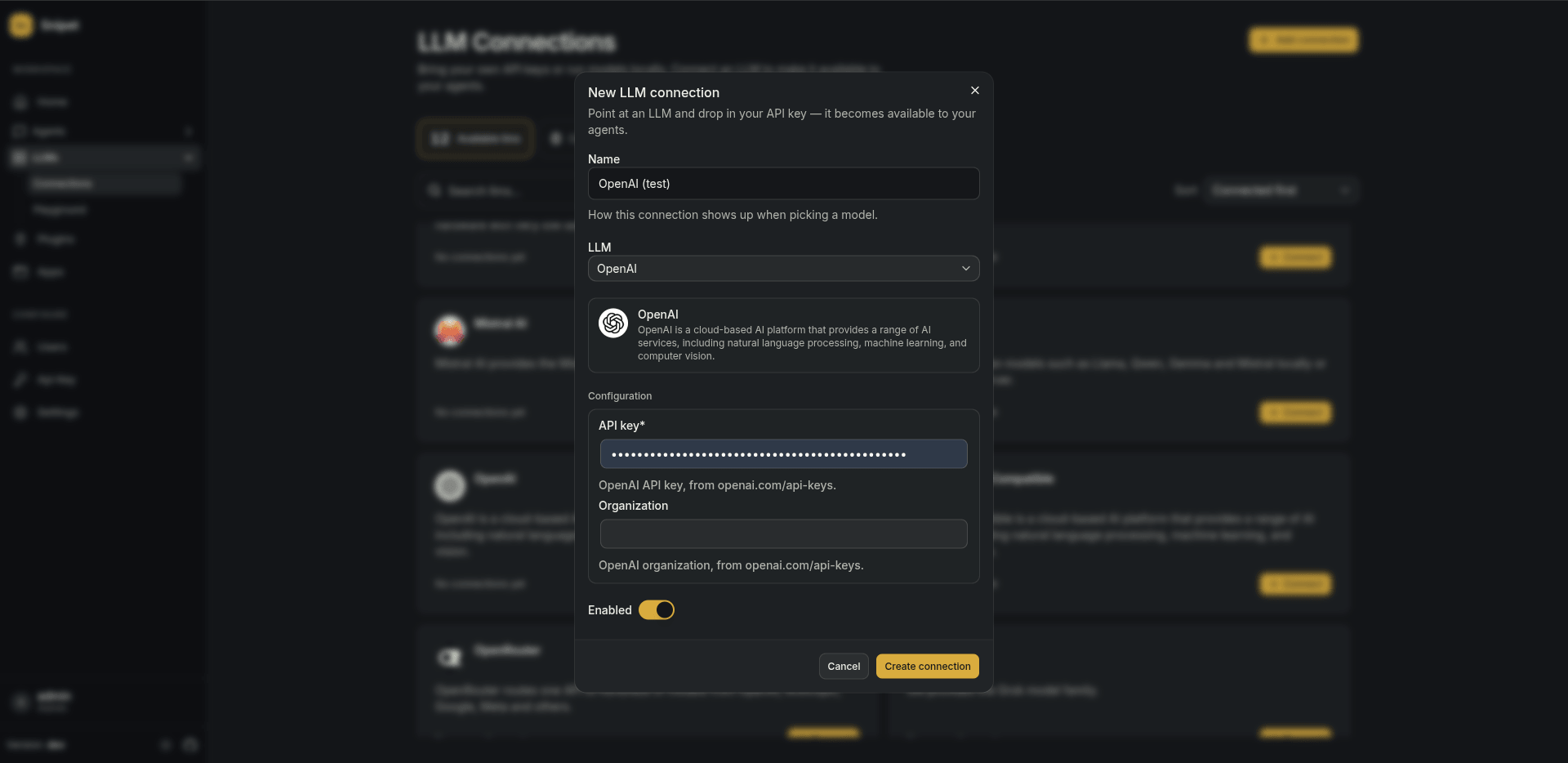
Connect a model. Go to LLMs > Connections, pick a provider and paste its API key.
-
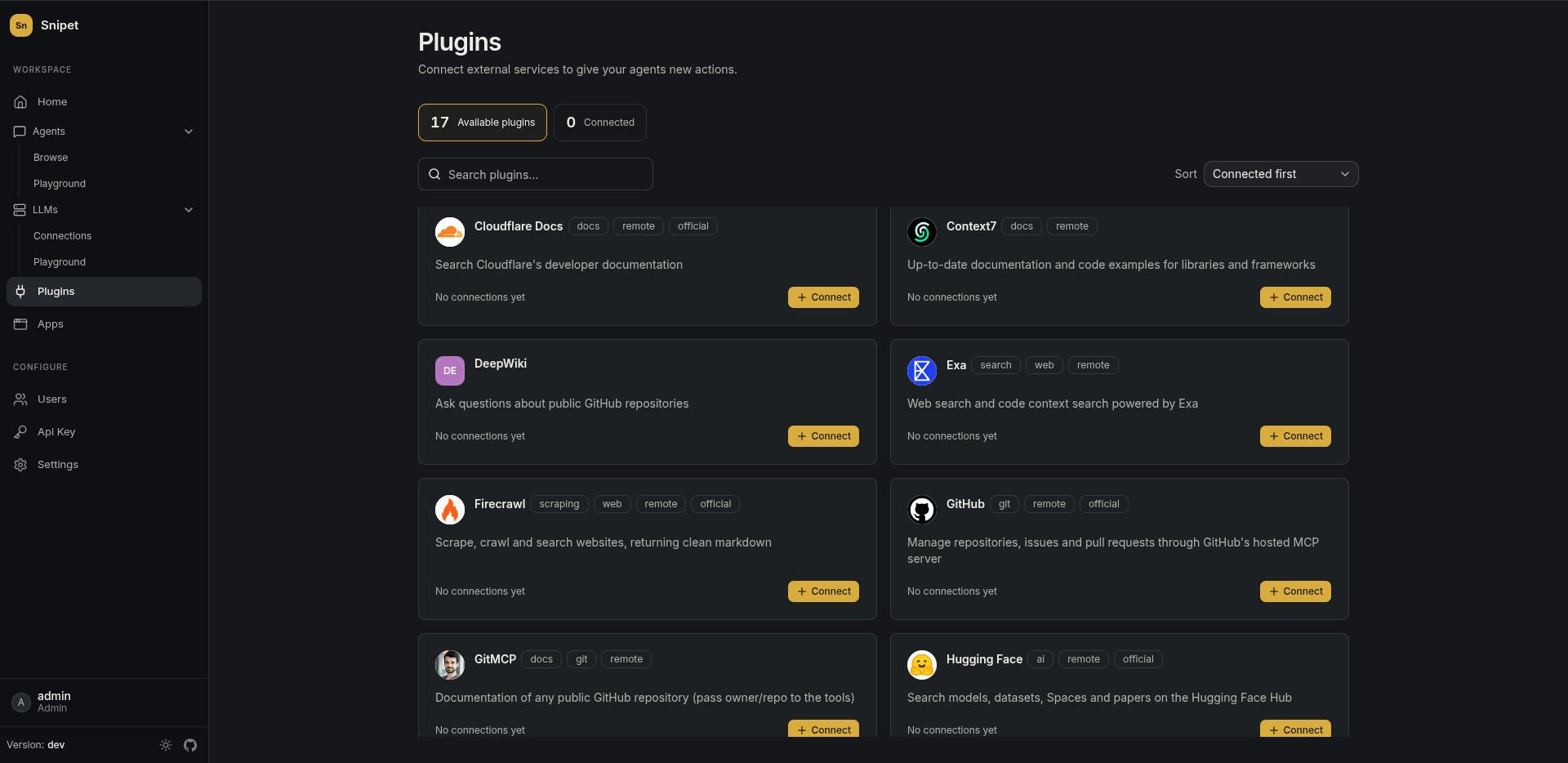
Enable a plugin. Go to Plugins, open GitHub from the catalog and add a connection with a GitHub token. Snipet loads the plugin’s actions once the connection is saved.
-
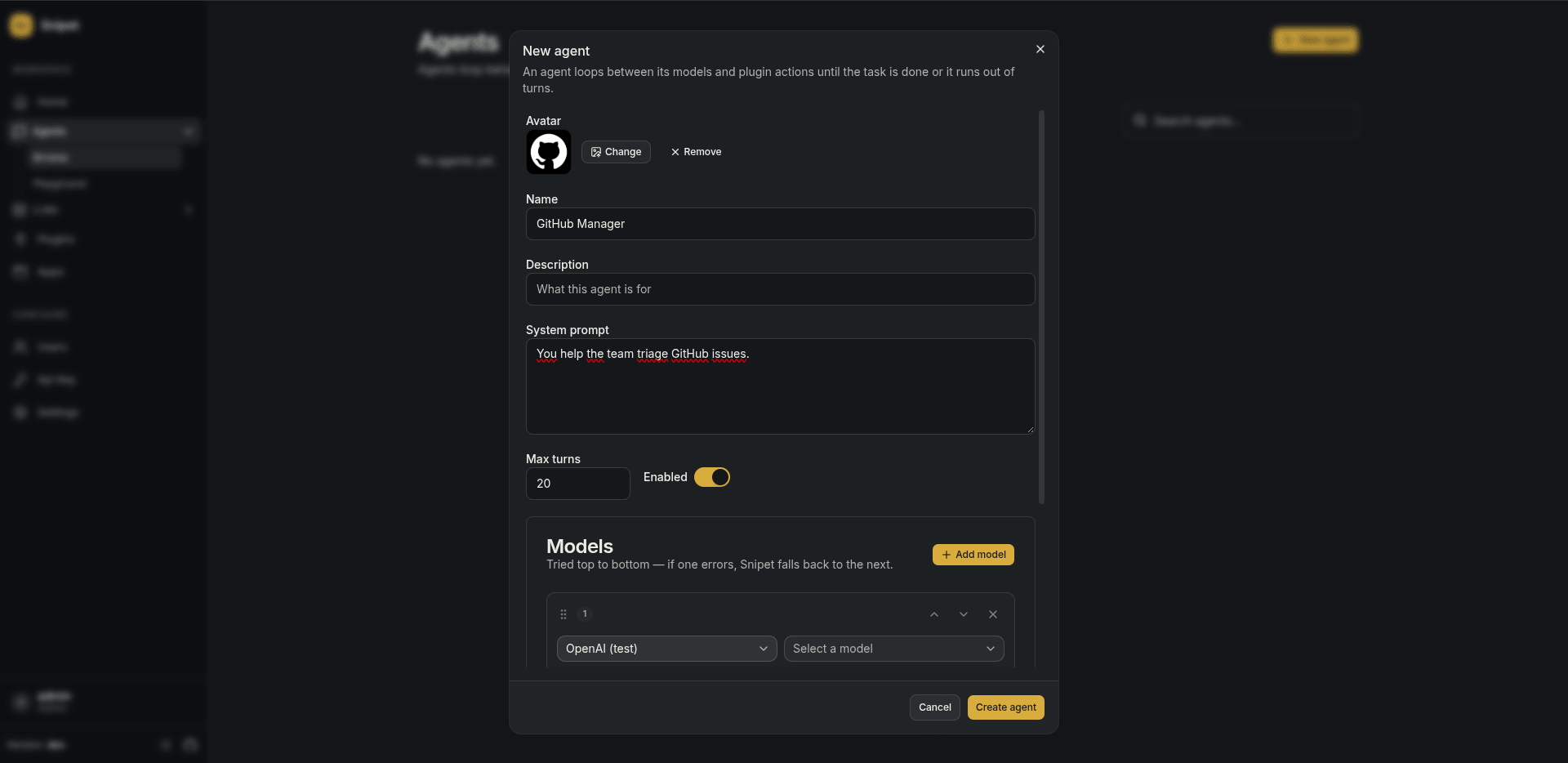
Create the agent. Go to Agents > Browse and create one:
- System prompt: what it’s for, e.g. “You help the team triage GitHub issues.”
- Models: the connection from step 1.
- Plugins: the GitHub connection from step 2.
-
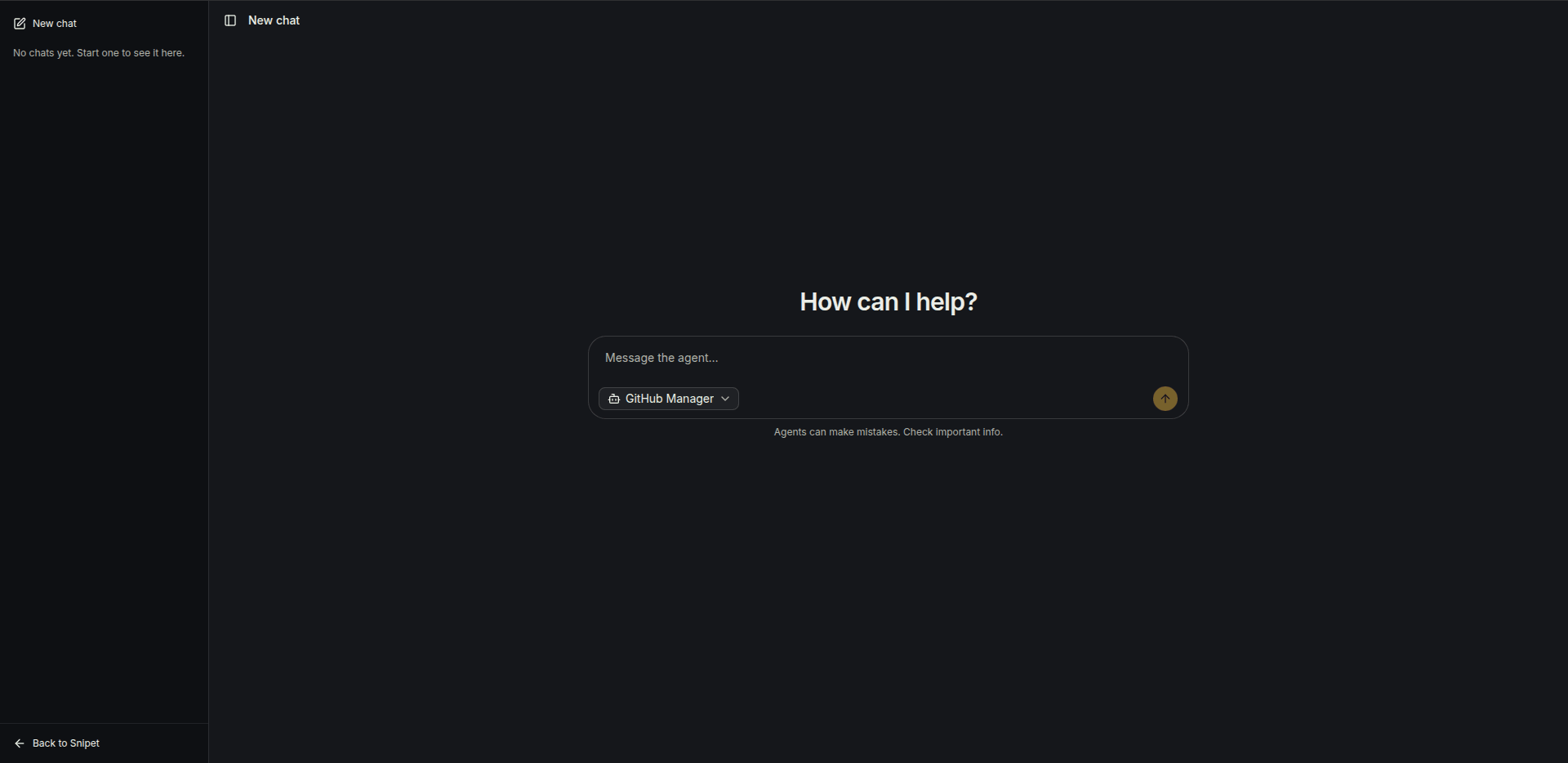
Try it. Open Agents > Playground, pick the agent and ask “What are the open issues labeled bug?”. You’ll see each plugin call as it happens, then the answer.
- Learn what else agents can do.
- Put the agent on your site with the chat widget.